


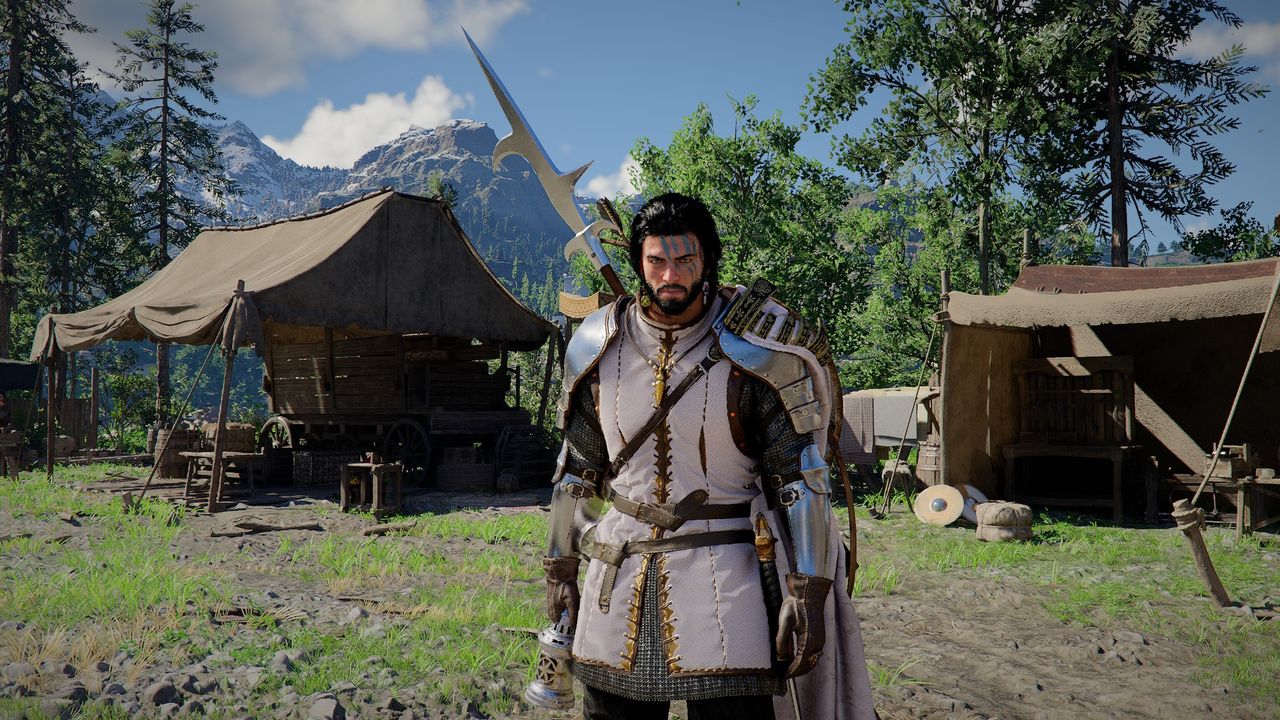
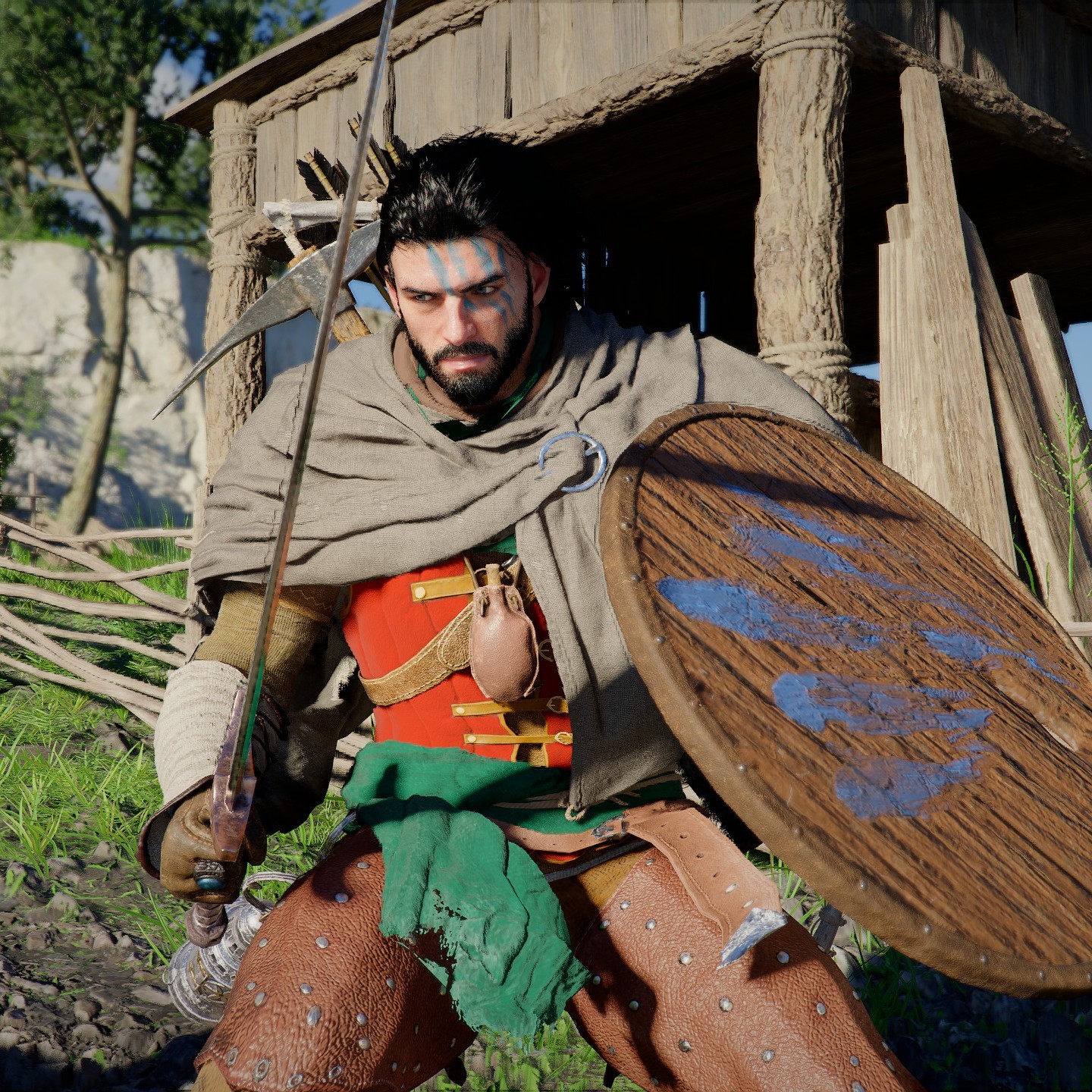
Unlocking new characters in Crimson Desert is one of the coolest features in the game. There are five playable companions you can find during your travels across Pywel, each with their own skill trees and weapon specialities. You can even get your comrades to follow you as you head out questing, letting you face the world’s perils together.
You can also recruit pets and tame horses in Crimson Desert, if you’re more interested in furry friends. Otherwise, I’ll explain in more detail below how to unlock the two other main characters (it’s currently unclear on the other two, or who they even are) and how the whole partying up system works.
How to unlock Damiane in Crimson Desert
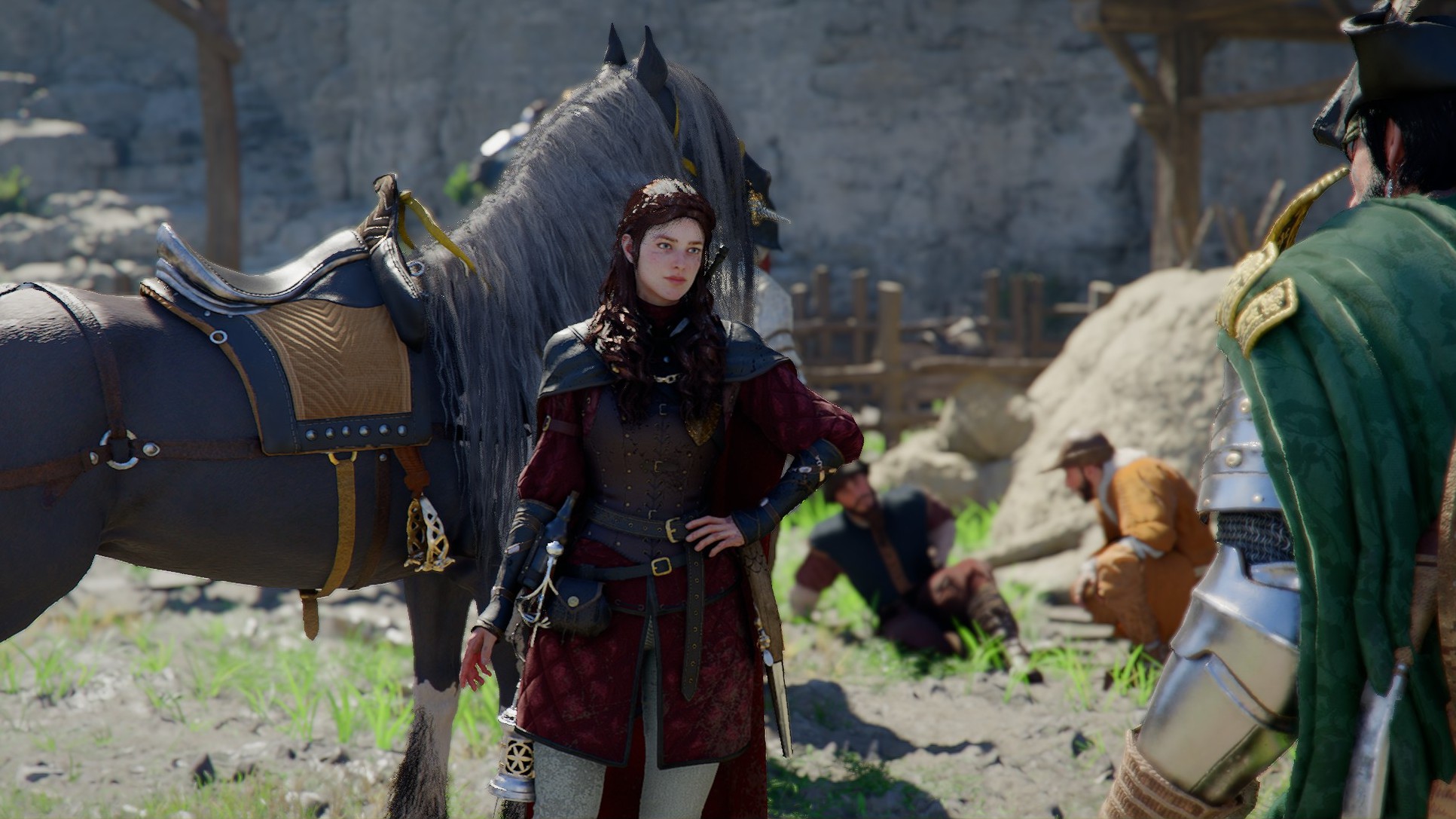
You’ll unlock Damiane in Crimson Desert towards the beginning of Chapter 3 in the main quest, which sees you head to Howling Hill to help assemble your new camp. When you arrive, Marshall Middler will introduce you to Damiane, who will then unlock as a playable character.
At any time from then onwards, you can press F1 (up on the d-pad on controller) and move the pointer over Damiane before releasing. This will cause the camera to zoom out and swap you to Damiane as a playable character wherever she is, GTA V-style. Damiane has her own skill tree, plus weapons that Kliff can’t use, such as rapiers and guns like the musket.
How to unlock Oongka in Crimson Desert
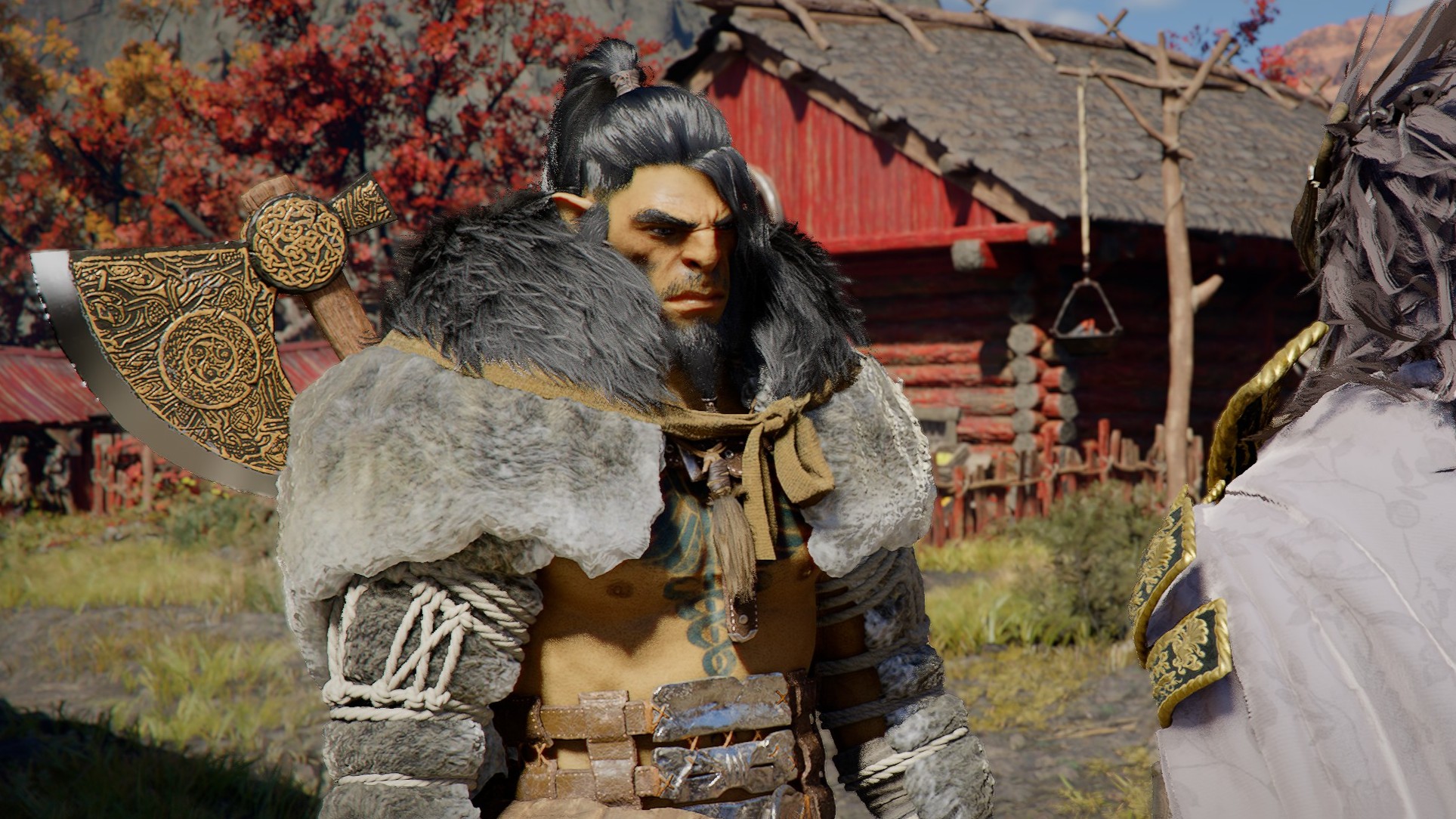
This Greymane orc heavy doesn’t unlock until much later in the story. You’ll actually meet Oongka again in Chapter 6 and fight with him for a while, before finally unlocking him as a playable character at the end of Chapter 7. Both of these chapters are rather long, though. The good news is that, same as Damiane, you can’t miss Oongka and he’ll appear as part of the main quest progression.
Oongka uses heavy weapons like big axes and hammers, so you can finally try out all those ones you’ve been hoarding as Kliff. He also has an orc blaster as his ranged weapon, kind of like a cannon arm, which is powerful and fun to shoot enemies with. Same as with Damiane, you can select Oongka in future with F1 (or up on the D-pad on controller).
How to summon a companion in Crimson Desert
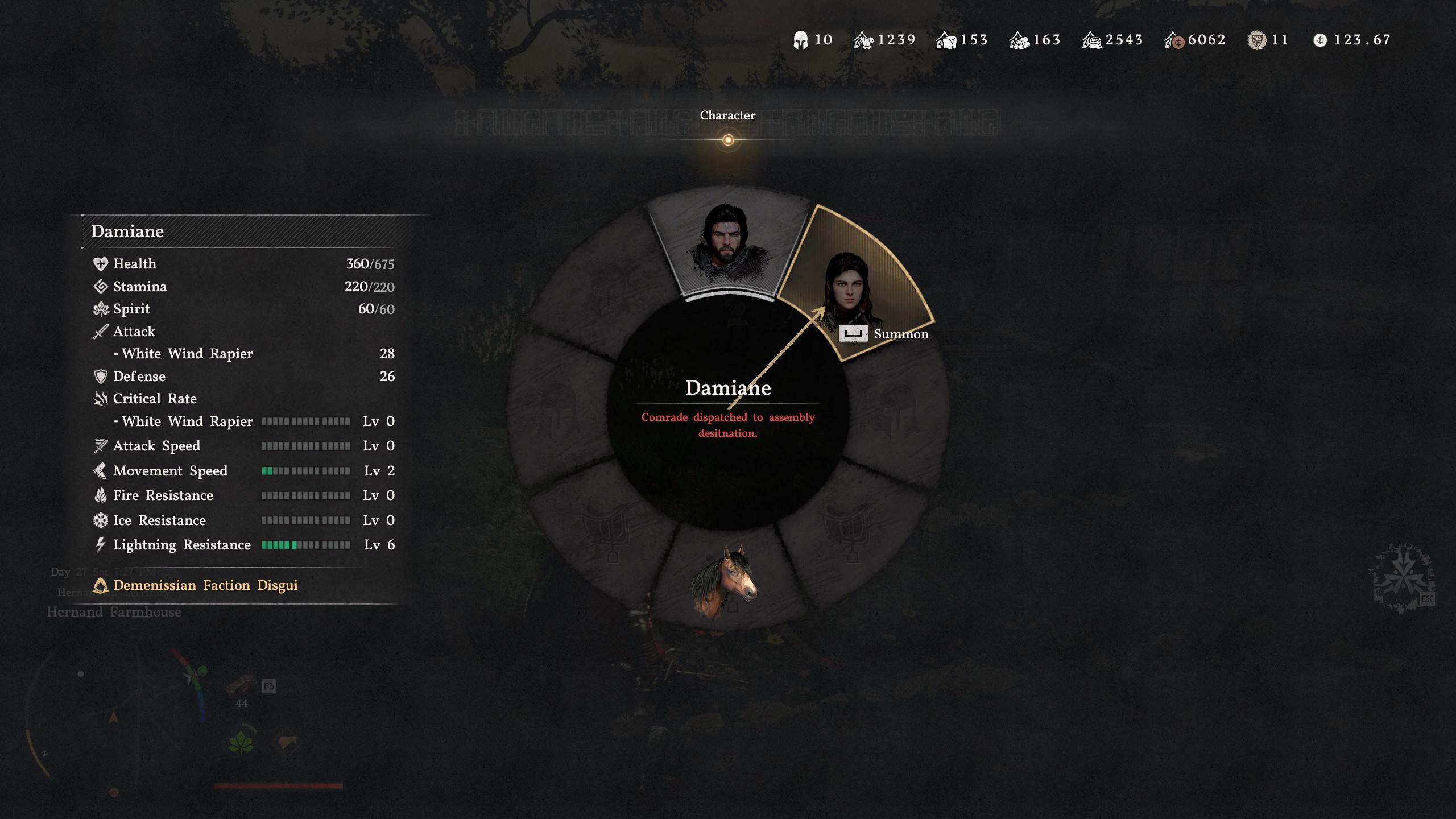
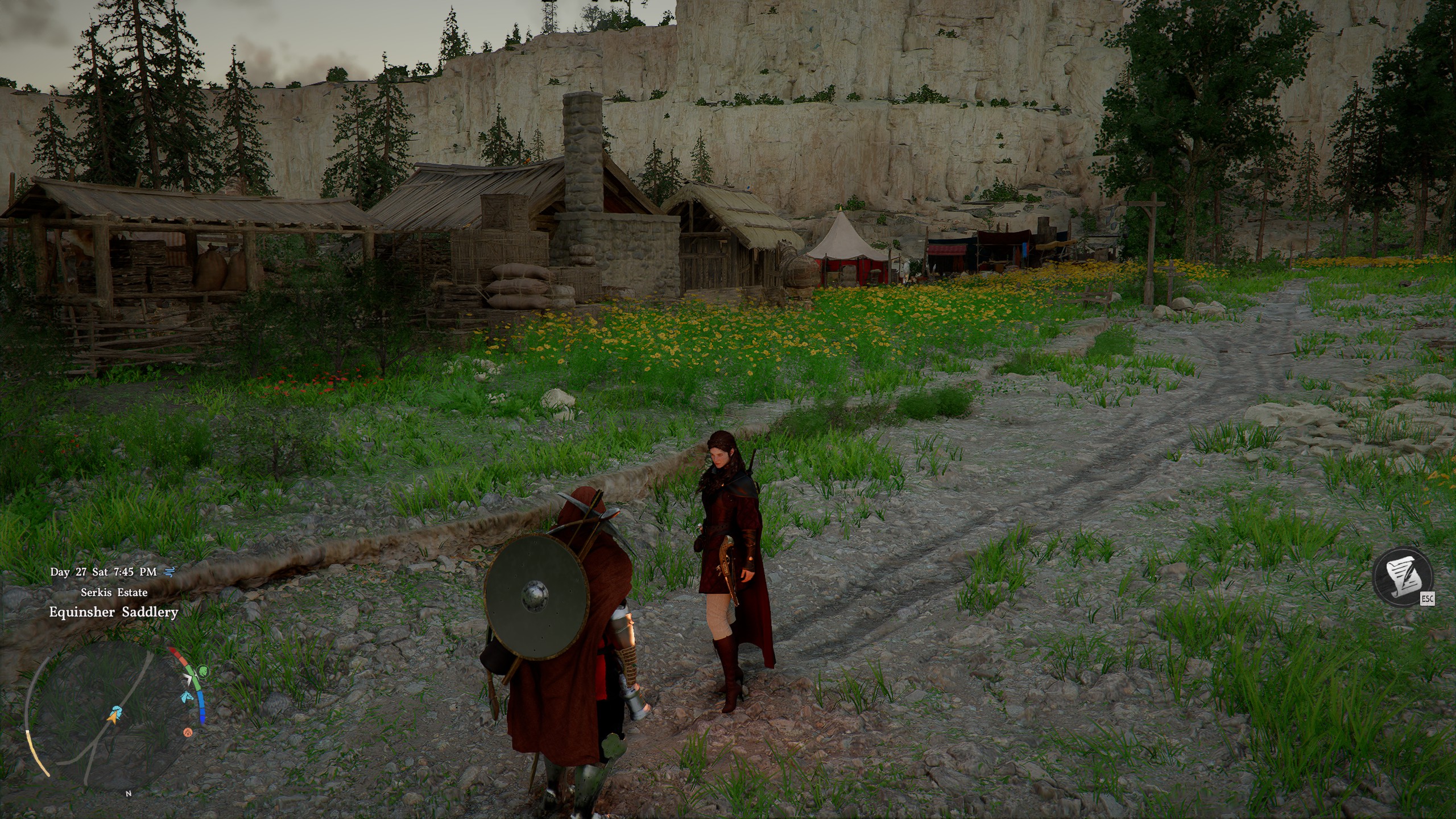
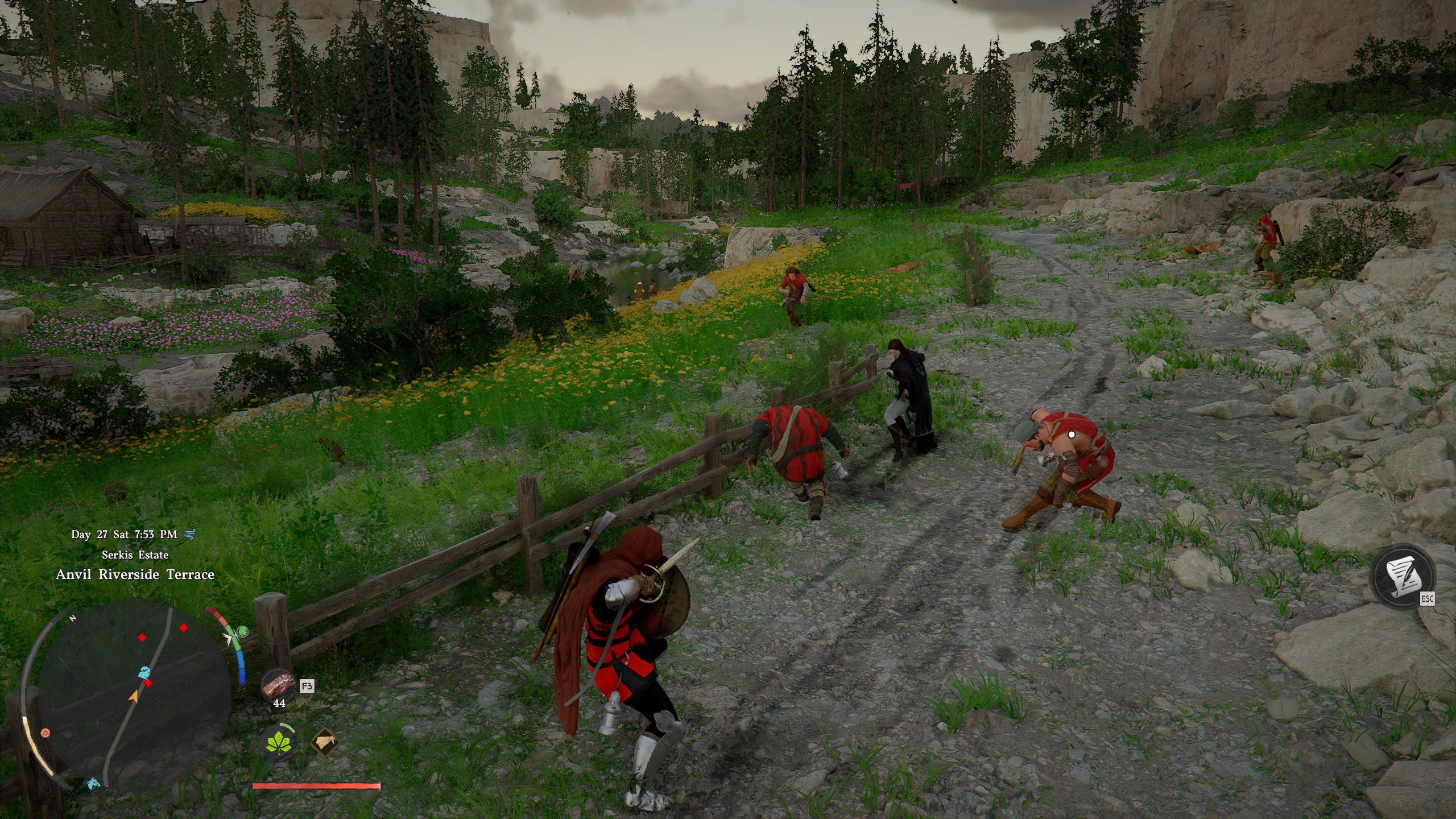
Provided a character isn’t busy with a quest or tied up in the story, you can summon them to fight with you. The process is straightforward, simply:
- Press F1 (or up on the D-pad) and move the arrow over the character you want to summon, before pressing space (A on controller).
- It’ll now say “Comrade dispatched to assembly destination”, so exit the character menu and press ESC (or menu button on controller) to join them.
- The screen will go black and then when you return, your companion will be waiting there for you.
Companions will follow you around and fight with you, provided you don’t tell them to go on standby by interacting with them. If you call your horse, they will call theirs, too, though this has sometimes been a bit buggy for me. To send your companion home, simply enter the character menu again and use space or A to disband them.
Crimson Desert respec: Swap your skills
Crimson Desert Abyss Artifacts: Level up
How to steal in Crimson Desert: Pilfer some loot
How to get pets in Crimson Desert: Furry friends
How to tame horses in Crimson Desert: Mount up
How to fast travel in Crimson Desert: Going places