

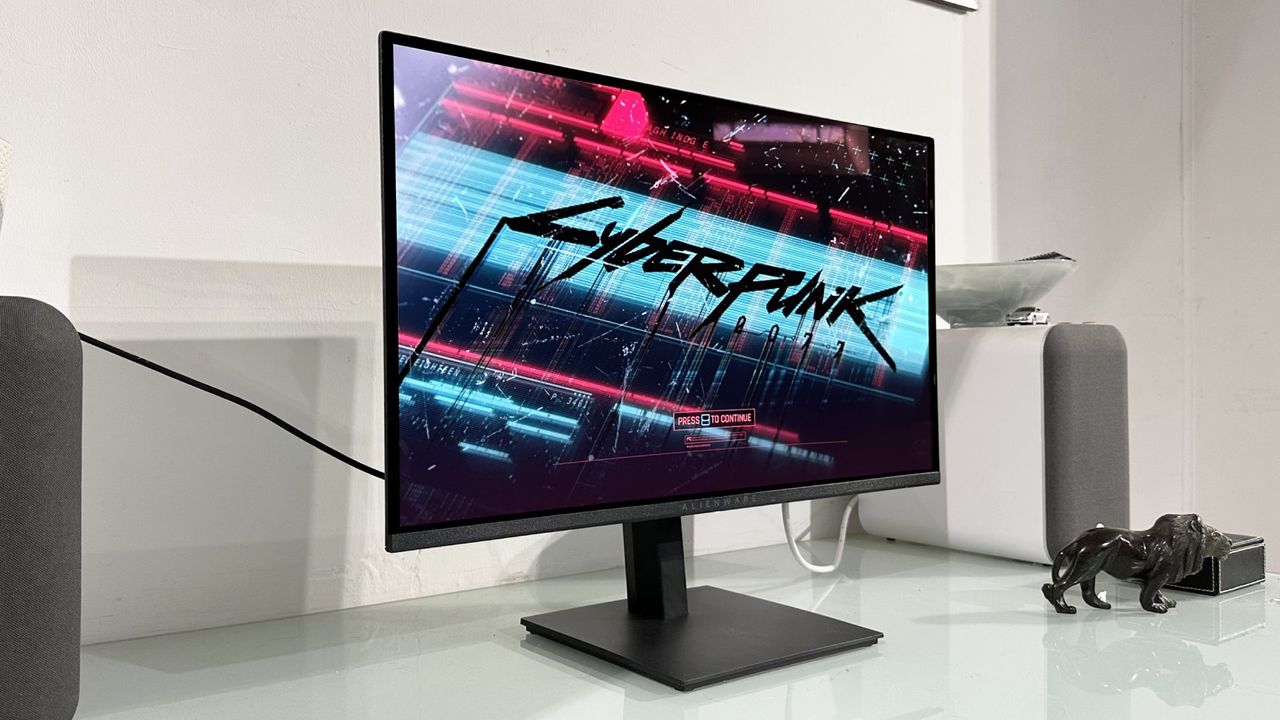
It just so happens I’ve been daily driving an old school VA panel this week. It’s a budget 34-inch ultrawide and, funnily enough, it provides the perfect foil for Alienware’s new 27-inch QD-OLED monitor, the Alienware AW2726DM.
This, too, is a budget offering, albeit in the loftier context of OLED gaming monitors. Yours for $349.99 from Dell’s website, this is one of the cheapest gaming OLEDs yet from a big brand. And it does a pretty definitive job of highlighting just how far gaming monitor tech has come in the last few years. Because this Alienware mostly blows that budget VA panel away.
Hold that thought while we cover off some speeds and feeds. This is a 27-inch QD-OLED 1440p panel with a native resolution of 2,560 by 1,440 pixels and 240 Hz refresh. Notably, it’s also based on older QD-OLED panel tech from Samsung. That’s part of how Alienware hits that low price point.
|
Screen size |
27-inch |
|
Resolution |
2,560 x 1,440 |
|
Brightness |
200 nits full-screen |
|
Response time |
0.03 ms |
|
Refresh rate |
240 Hz |
|
HDR |
DisplayHDR TrueBlack 400 |
|
Features |
Samsung QD-OLED panel, adaptive sync, 2x HDMI 2.1, DisplayPort 1.4 |
|
Price |
✅ You want OLED at a price you can afford: At around $350, this is one of, if not the cheapest OLED gaming monitors from a big brand.
❌ You want a epic pixel density: 1440p is what 1440p does. Which is translate into fairly lowly pixel density on a 27-inch panel.
For the record, this isn’t the very oldest QD-OLED monitor panel tech. Strictly speaking, it’s Gen 3 QD-OLED circa 2024. There’s a guide to all the QD-OLED generations here, but Gen 3 panels brought various refinements including improved lifespan and durability, reducing the risk of burn-in, and revised subpixel structure to improve font rendering. Just note, this generation of panel still has a triangular subpixel structure as opposed to the preferable true RGB-stripe setup of the very latest Gen 5 QD-OLEDs, such as the MSI MPG 341CQR QD-OLED X36.
One area that wasn’t really improved with Gen 3 is brightness. This is a slightly complicated subject, but most Gen 3 QD-OLED panels are rated at 250 nits full-screen, 1,000 nits peak in a small 2% window and have HDR 400 True Black certification. Somewhat surprisingly, Alienware rates this particular model at 200 nits full screen. We’ll see how that translates into the viewing experience in a sec.
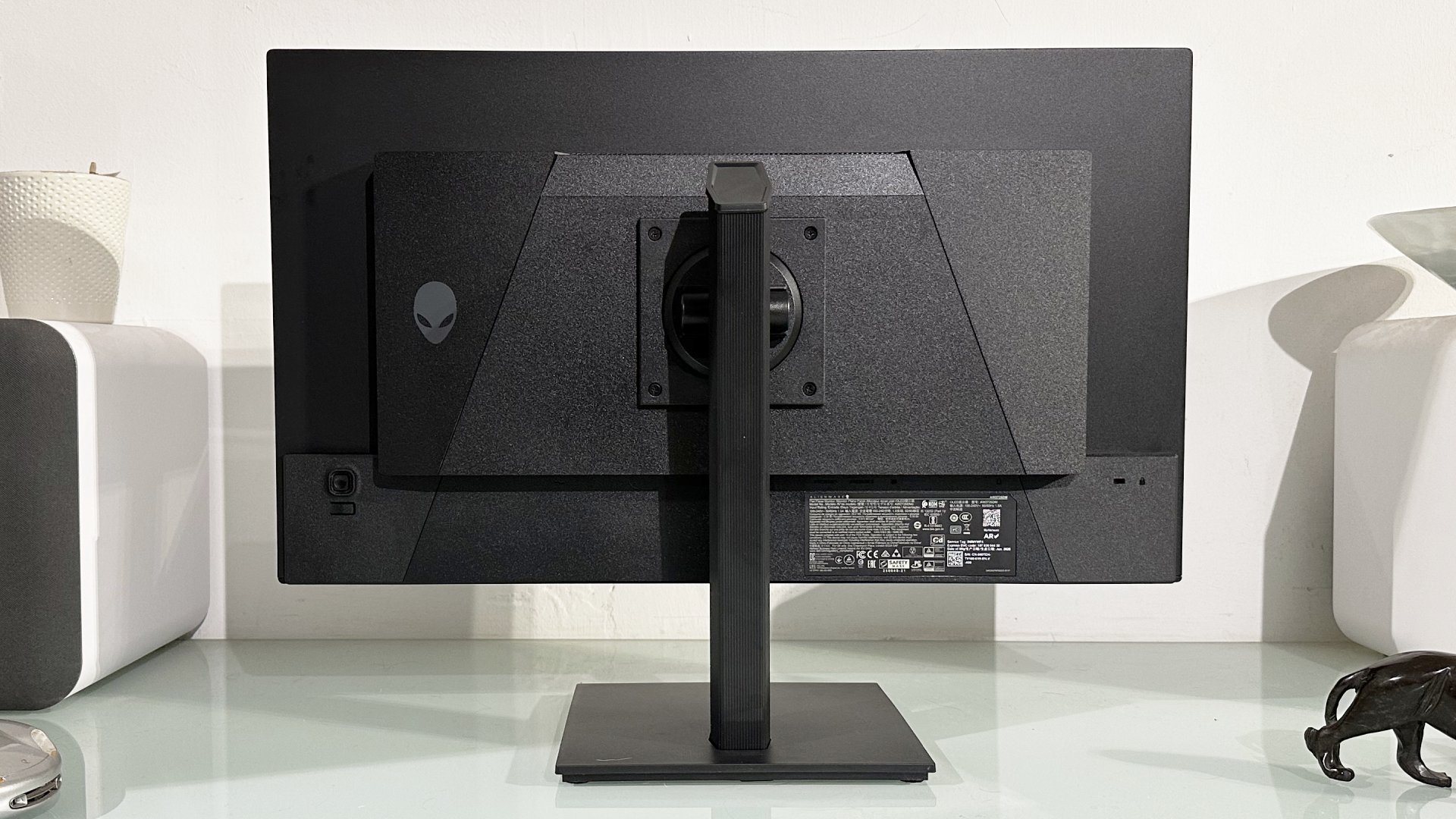
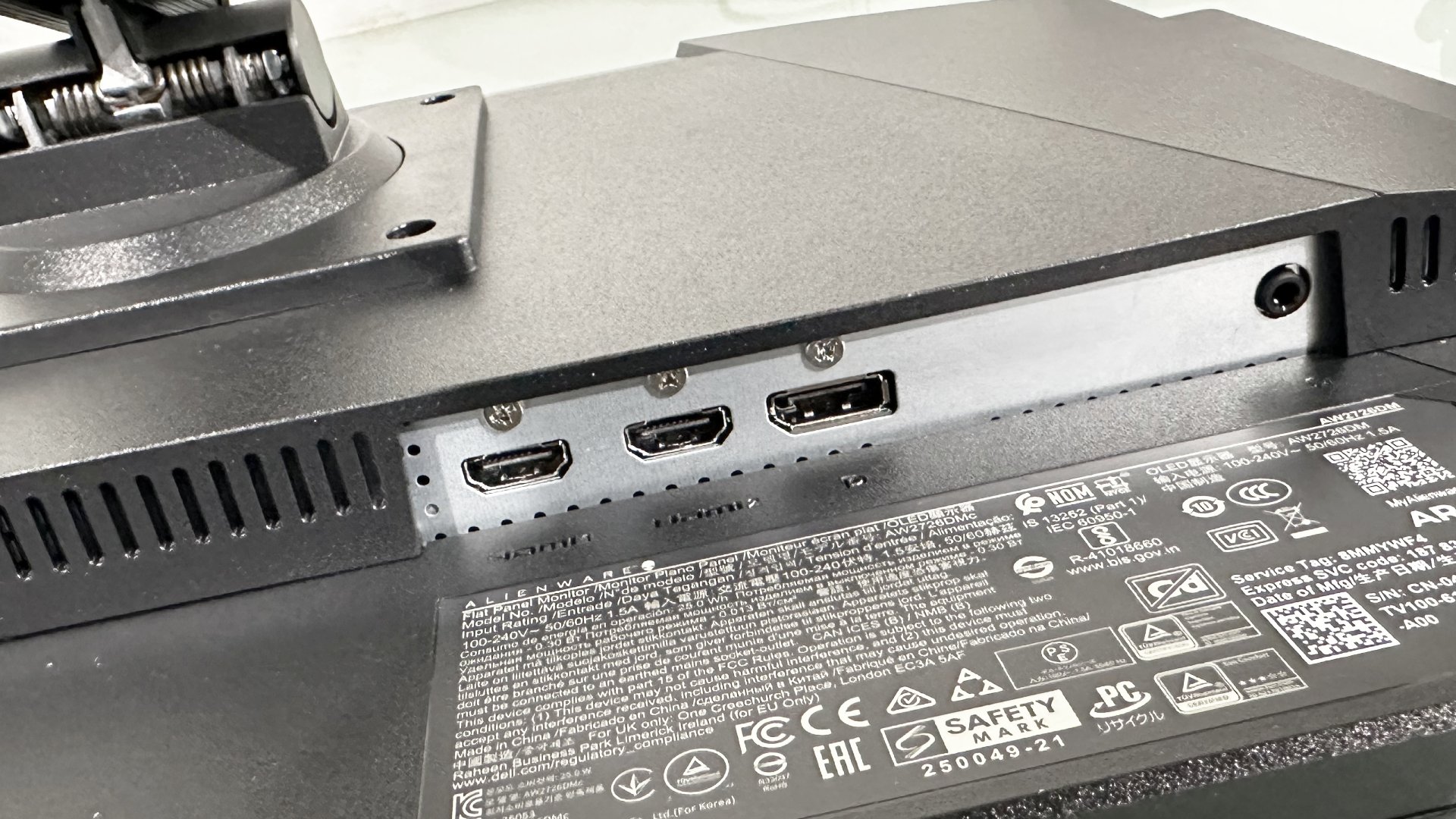
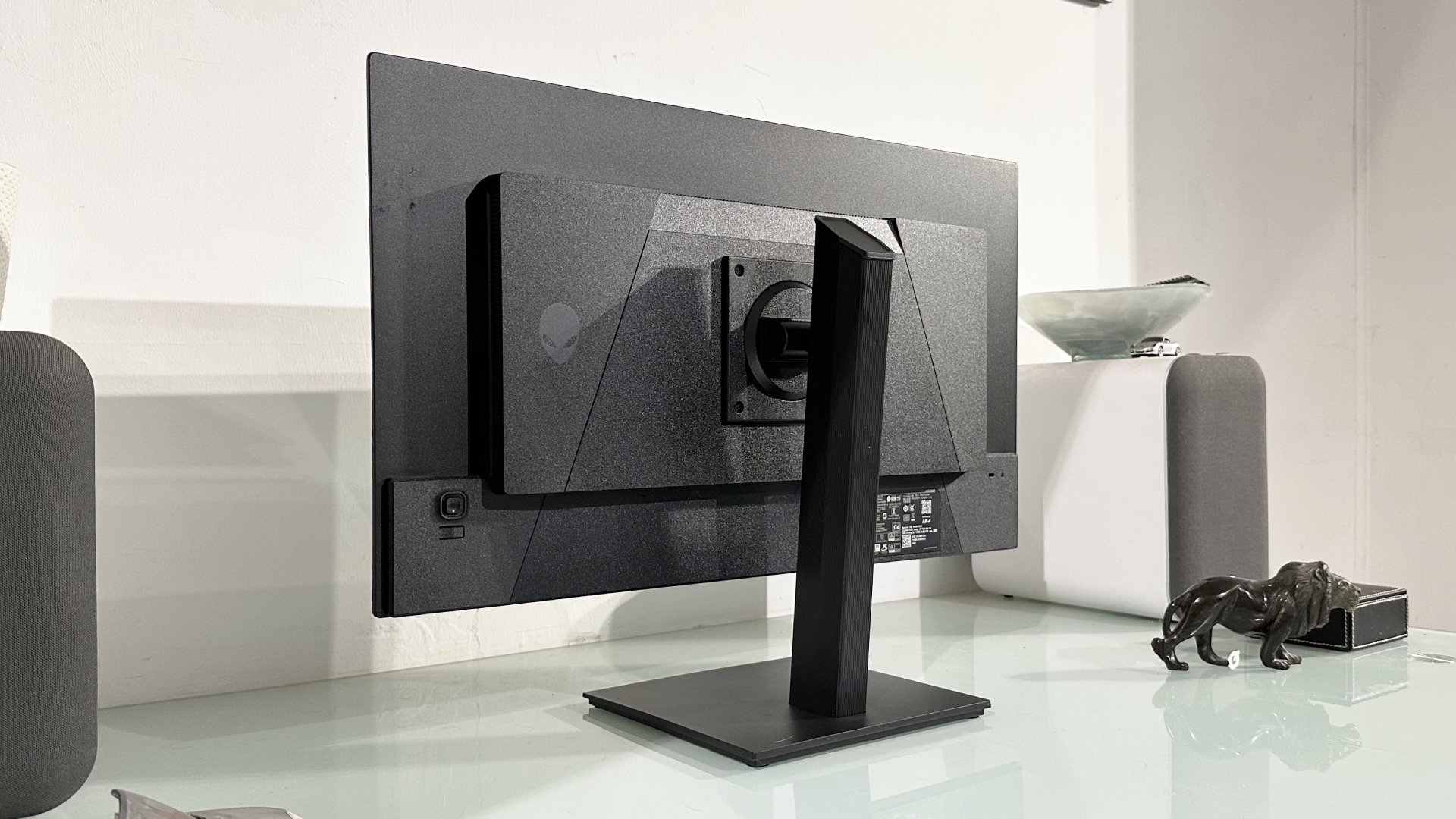
Apart from the older generation QD-OLED panel, there’s further evidence of cost savings with the Alienware AW2726DM. The main chassis screws rather than clips into the stand (only really of significance during initial setup), there’s no USB-C (not a big deal unless you were planning to, say, tag team with a work laptop), no USB-A hub (more of a pity given the added cable clutter it implies) and a less comprehensive OSD menu that’s missing some features.
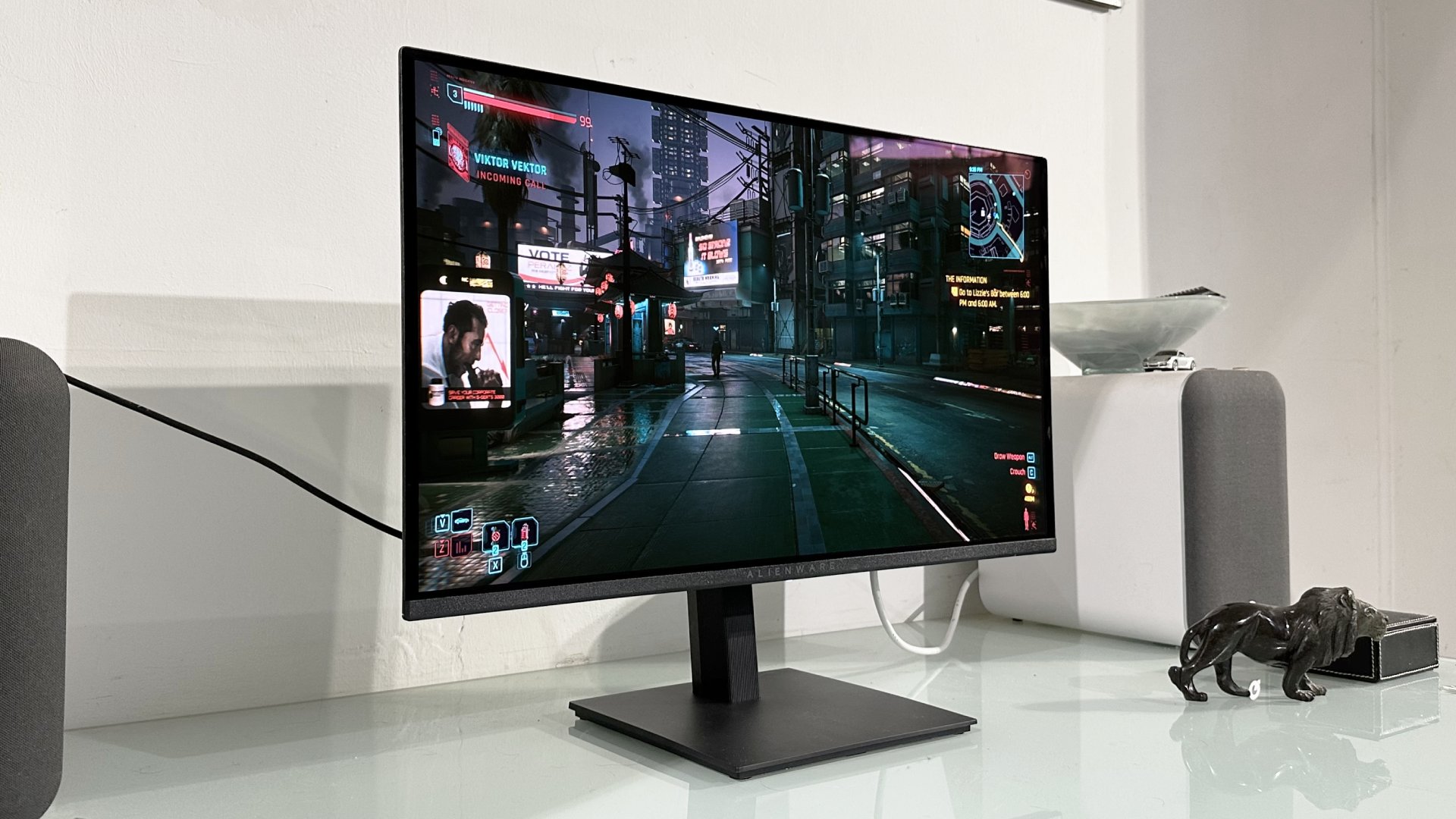
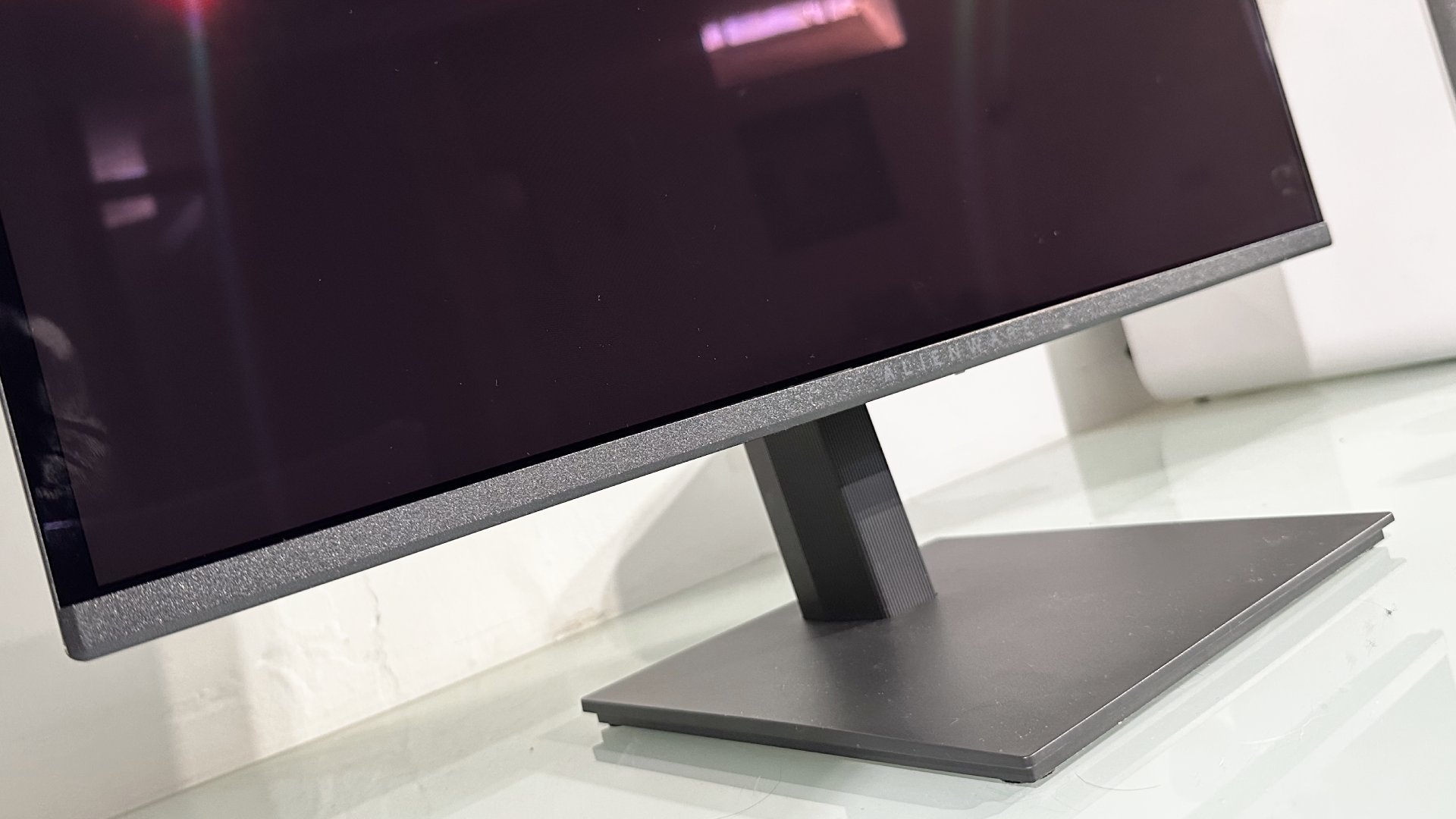
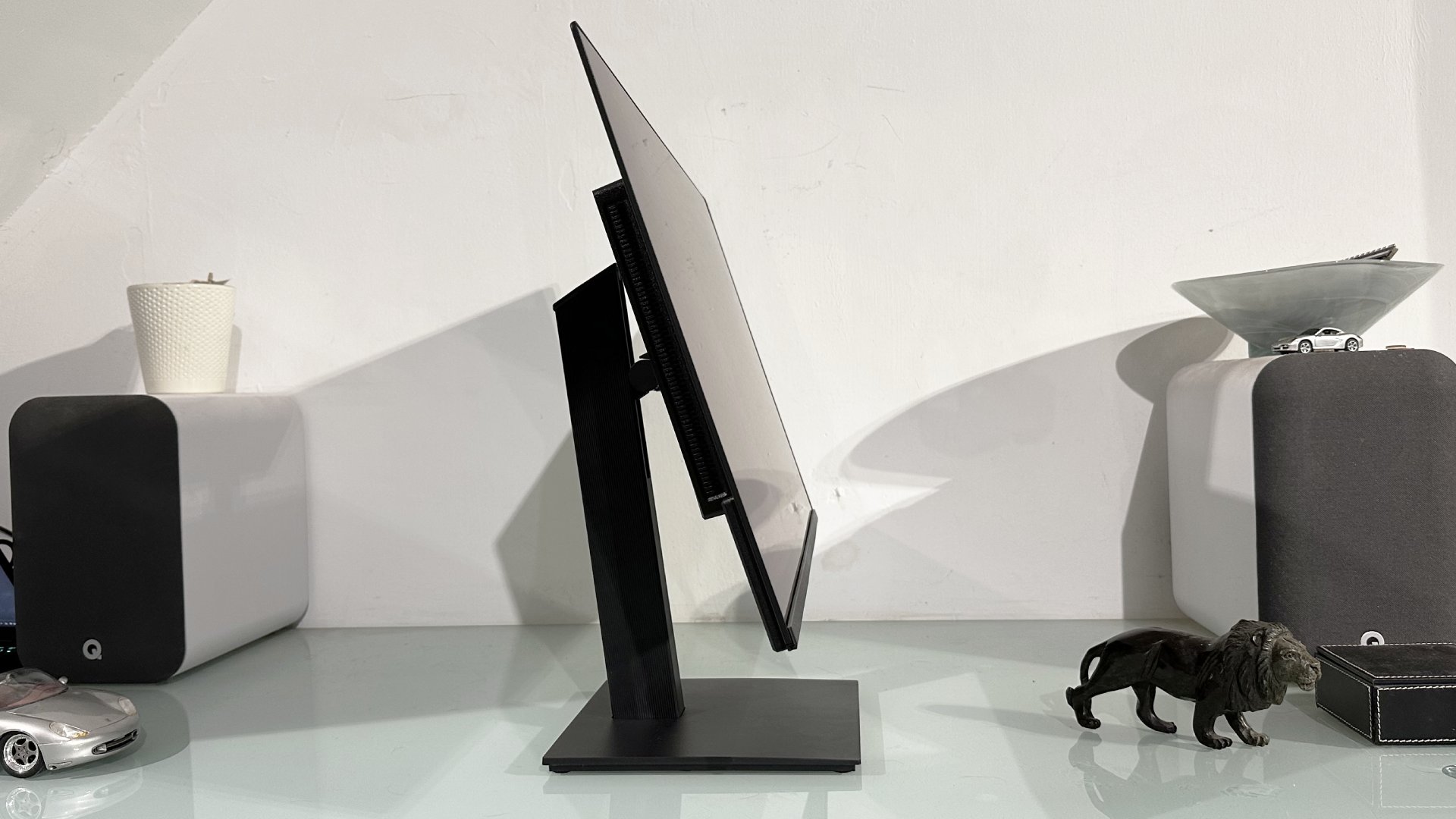
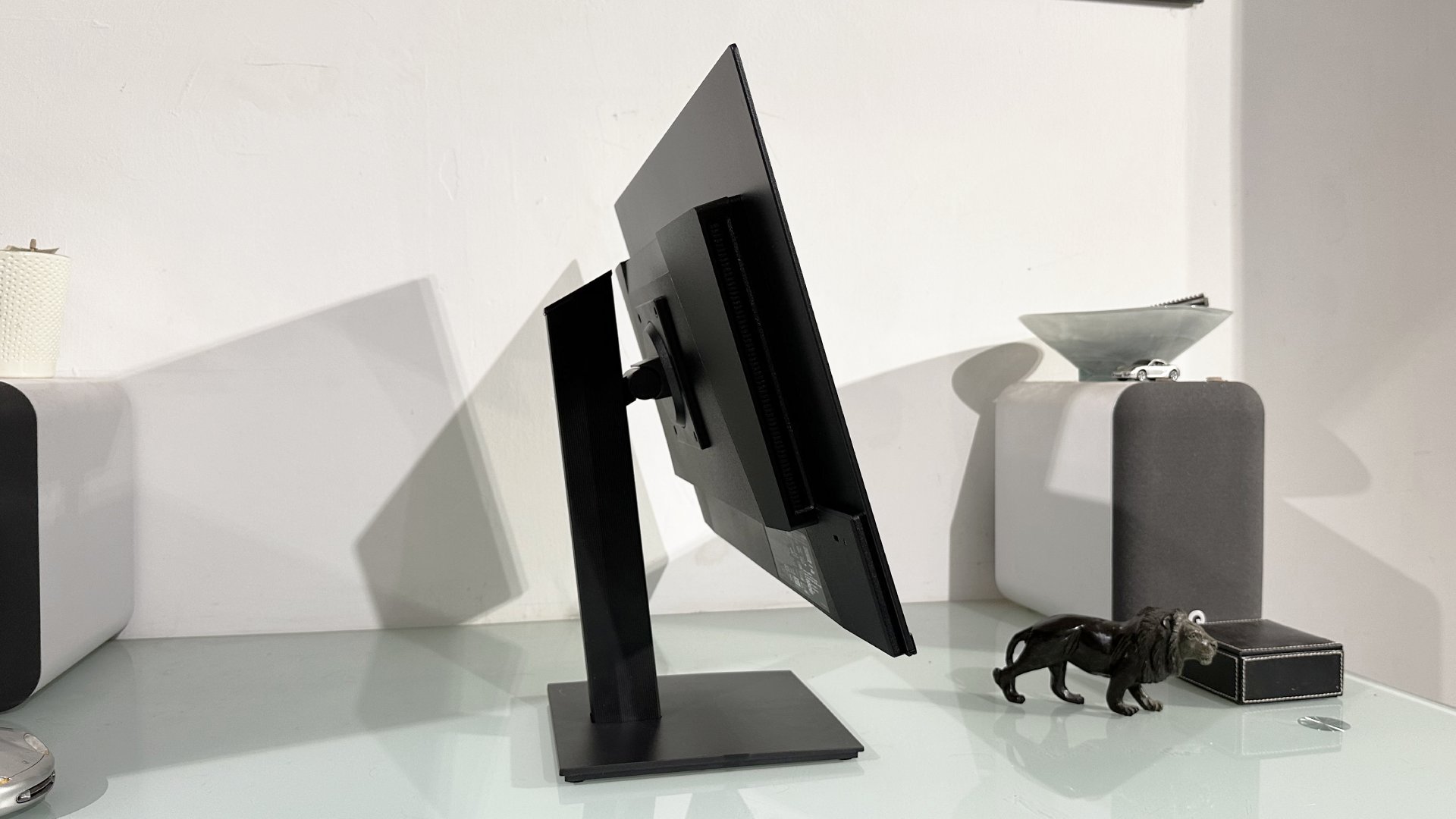
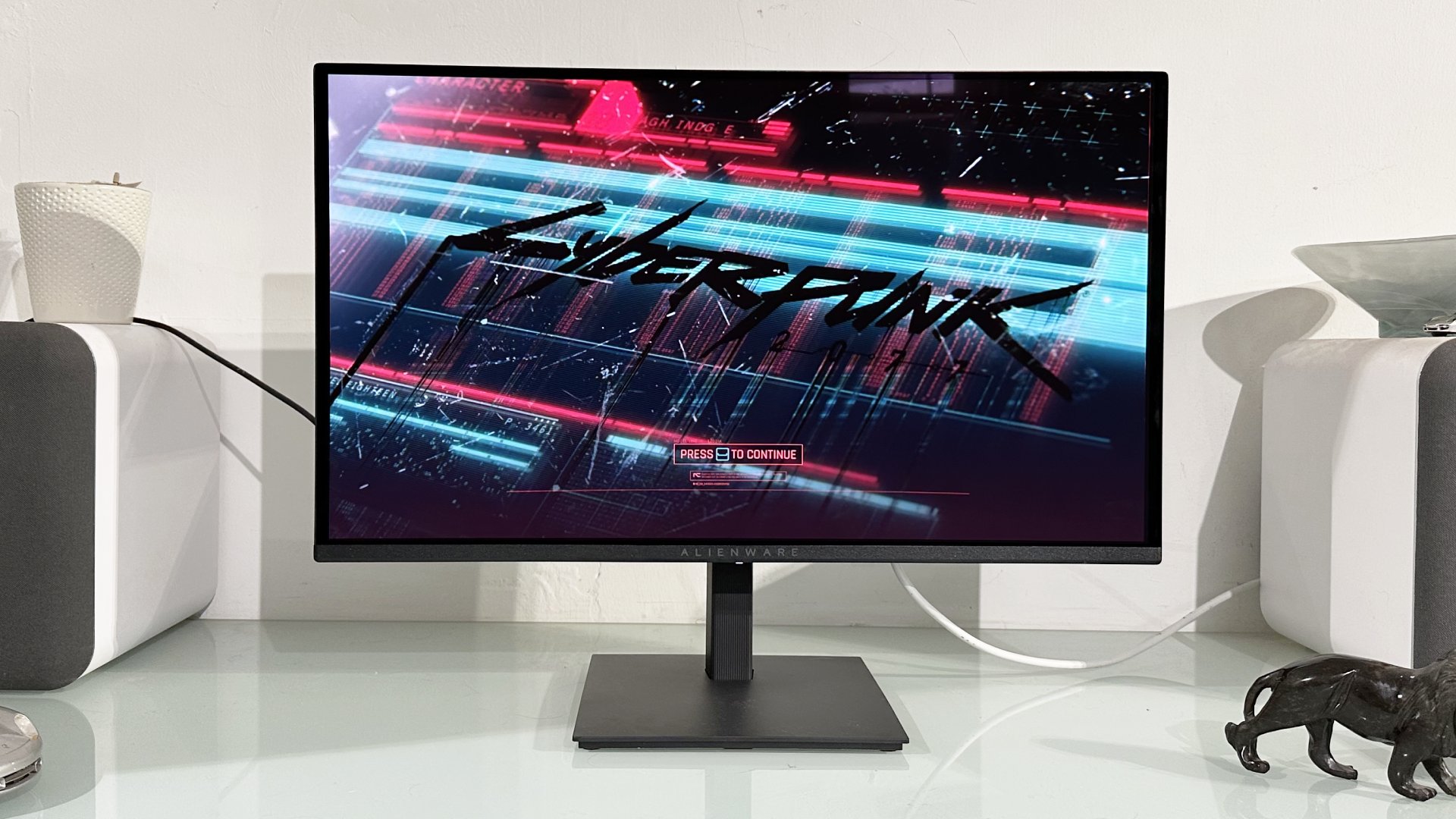
By implication, then, connectivity is limited to HDMI and DisplayPort. And for most of us, that’s just fine, especially if it enables a lower price point and makes OLED thrills more more accessible. All that said, the Alienware AW2726DM doesn’t look cheap. It has a slick, slim bezel look and a fully adjustable stand, including rotation into portrait mode.
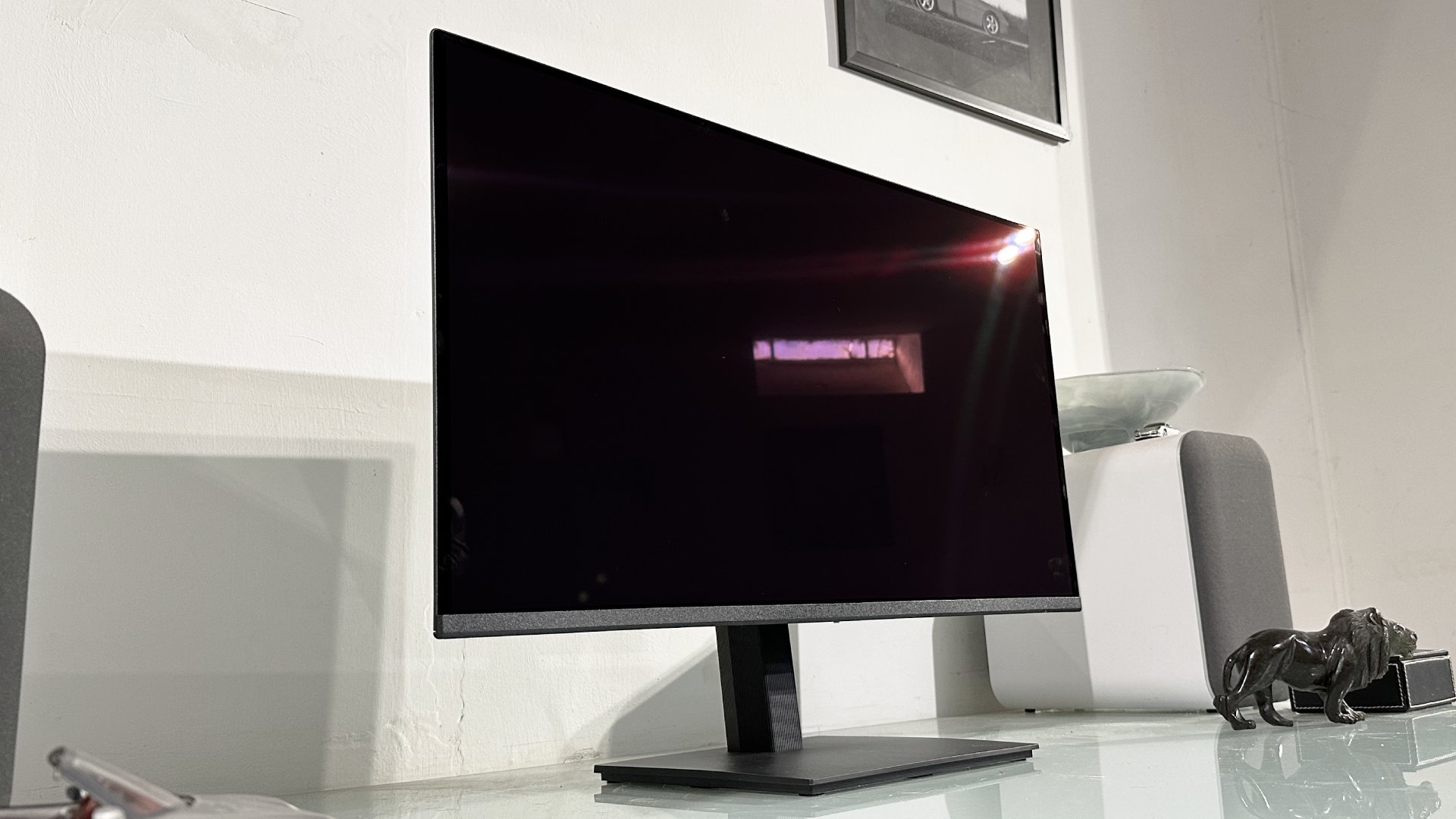
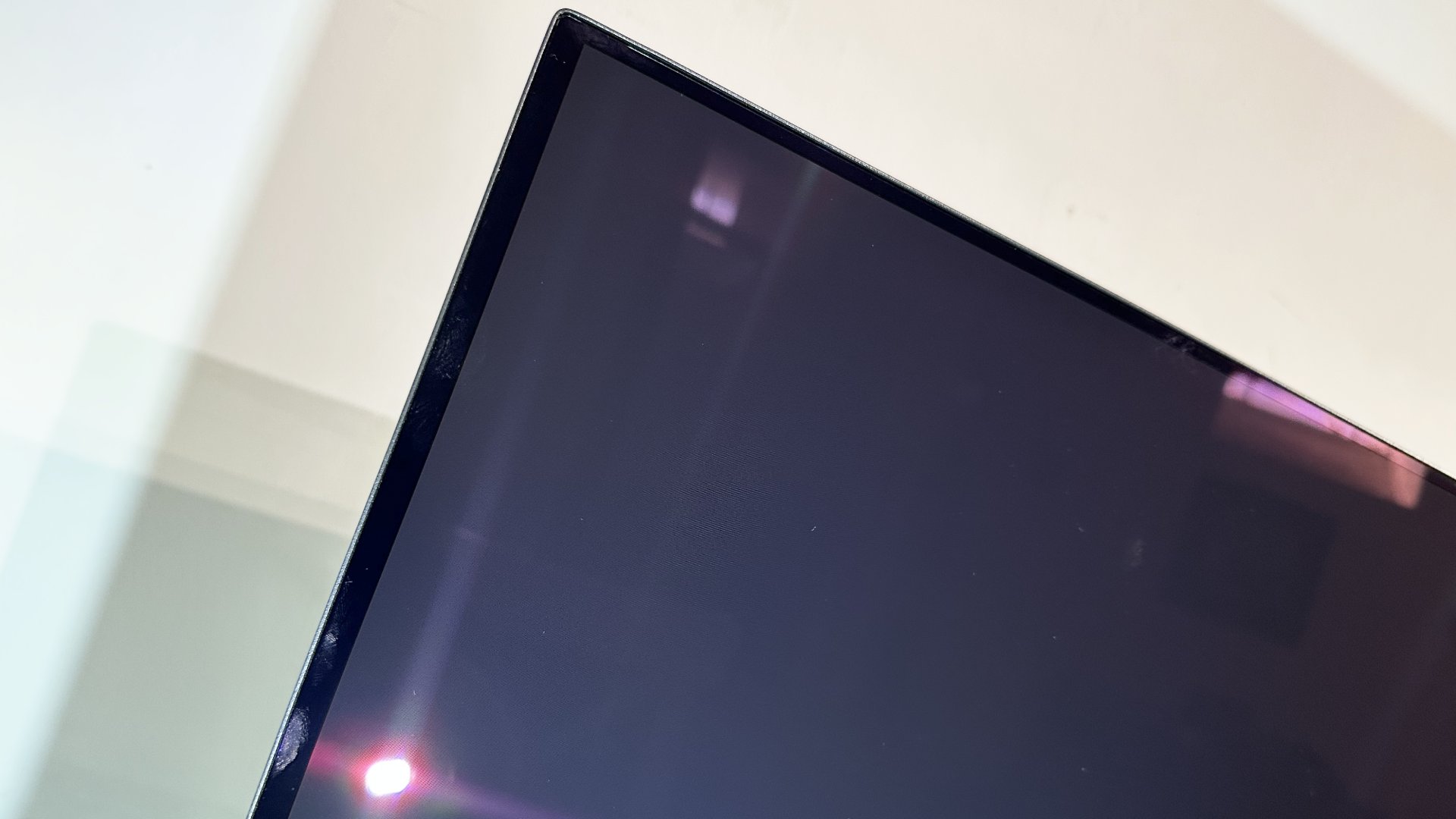
Fire it up and, sure enough, it’s that familiar QD-OLED experience. The downsides include an overly warm colour temp and the usual purple tint to the panel in bright ambient light that slightly undermines the whole per-pixel-lighting, infinite-contrast OLED thing. But only slightly.
The positives, on the other hand, well, they are plenty of those. This is a really punchy, pleasing panel, even with that notional 200 nits rating. The caveat to that is the need to set this monitor up correctly.
For starters, its default SDR mode isn’t terribly well calibrated. I had to resort to an alternative colour profile in the Windows Color Management tool to get the SDR colours looking right, which is probably too much to ask of most casual PC users.
Were this my display, I’d just enable HDR, tweak the SDR brightness in the Windows Display Properties menu, and leave it like that forever.
Still, it looks really super once you get it set up. What’s more, the SDR calibration in HDR mode is actually pretty good. So, were this my display, I’d just enable HDR, tweak the SDR brightness in the Windows Display Properties menu, and leave it like that forever.
Running this display thusly also has the benefit of higher peak SDR brightness. There’s a price to pay for that in terms of more brightness variability depending on how much of the screen you are lighting up. But if, like me, you end up using dark mode with as many apps and website as possible, it’s a very nice solution.
Of course, that’s all desktop larks. What about games? Really, there’s not much to report and that’s definitely good news. By that I mean this budget QD-OLED looks just like any other Gen 3 QD-OLED.
In other words, it’s absolutely stellar when it comes to HDR performance compared to any LCD panel. The way this monitor can render, for instance, a searingly bright neon bar light on a totally black background totally confounds any LCD monitor, including that budget VA I’ve been running of late. In part thanks to a glossy panel coating that really accentuates the lighting control and contrast, it really is an eye-popping experience on a totally different level.
Then there’s the speed. That old school VA panel I’ve been playing with of late looks blurry and smeary enough in isolation. But compared to the lightning fast 0.03 ms response of this QD-OLED, it’s just hopelessly outclassed.
As I’ve mentioned in several recent monitor reviews, I’ve more or less hung up my Counter-Strike boots. But I’m still just about qualified to say the combination of 240 Hz refresh and 0.03 ms response offered here will be a revelation for most gamers used to LCD panels. Yes, there are much higher refresh OLEDs now available. But the benefits do diminish above 240 Hz unless you are an awfully capable esports type.
At this price point, you could have a 27-inch 4K IPS panel with a decent refresh rate and far better pixel density.
This monitor isn’t perfect, of course. At this price point, you could have a 27-inch 4K IPS panel with a decent refresh rate and far better pixel density. It would probably be brighter in outdoor game scenes too. So, yeah, full screen brightness in games is still a bit of a weakness.
However, it’s definitely worth understanding how this older QD-OLED panel compares with similar vintage WOLED panels made by LG. LG’s WOLED tech includes a white subpixel that boosts full-screen brightness, which is measured with the display showing pure white.
The thing is, most of the stuff you look at in practice is coloured and, in that context, the extra white subpixel often isn’t a help. Long story short, QD-OLED has better colour brightness. And that means the subjective experience with this QD-OLED rated at 200 nits is brighter and punchier and more vibrant than a WOLED panel rated at 250 nits or even 275 nits.
Put it this way. I would absolutely take this Alienware over the Gigabyte GO27Q24G I reviewed a few weeks ago with its early-gen WOLED panel. The Gigabyte is brighter on paper, but feels a bit dingy in reality.
Alienware has skimped a bit on the OSD menu and the OLED panel care features. The only option in the OLED panel maintenance sub menu is pixel refresh. But you still get a three-year warranty, so you have a pretty decent window before you have to worry about burn-in.
The HDR performance, the contrast, the light control, the speed, it’s all so much better than any LCD monitor.
Anywho, the upshot of all this is that, were I in the market for a new monitor at roughly this price point, this panel would pose quite the conundrum. The HDR performance, the contrast, the light control, the speed, it’s all so much better than any LCD monitor. I’d struggle to settle for even a good IPS panel.
On the other hand, the 1440p resolution on a 27-inch monitor does make for quite chunky pixels, though is easier on the GPU. For gaming, that’s fine, there’s plenty of detail on offer. But for daily driving, I’d prefer a bit more detail, sharper fonts, all that good stuff.
That’s just me, of course. Thanks to our recent survey, however, we know that 27-inch 1440p is still the most popular monitor form factor among you lot. And if you are looking to stick with that setup but want a dramatically better gaming experience by several metrics and without spending absolute megabucks, well, the Alienware AW2726DM should absolutely be on your relatively affordable OLED shortlist. It’s really very good.