
Of course MSI was going to be talking AI when it comes to monitors at Computex this year. I mean, for the third straight year that’s largely all everyone else is going to be talking about at the show, too. But still, “the world’s first agentic AI monitor” probably wasn’t top of my list for must-sees at the Taiwan tradeshow.
I’m way out west in Taipei, at MSI’s HQ—which was originally MSI Factory 3—and I’m spending my Sunday prodding and poking a bunch of its new toys. I’ve had my hands on the new MSI Claw 9 EX AI+, with its fancy new Intel G3 Extreme processor, and I’ve had my eyeballs on a range of MSI’s new monitors as well.
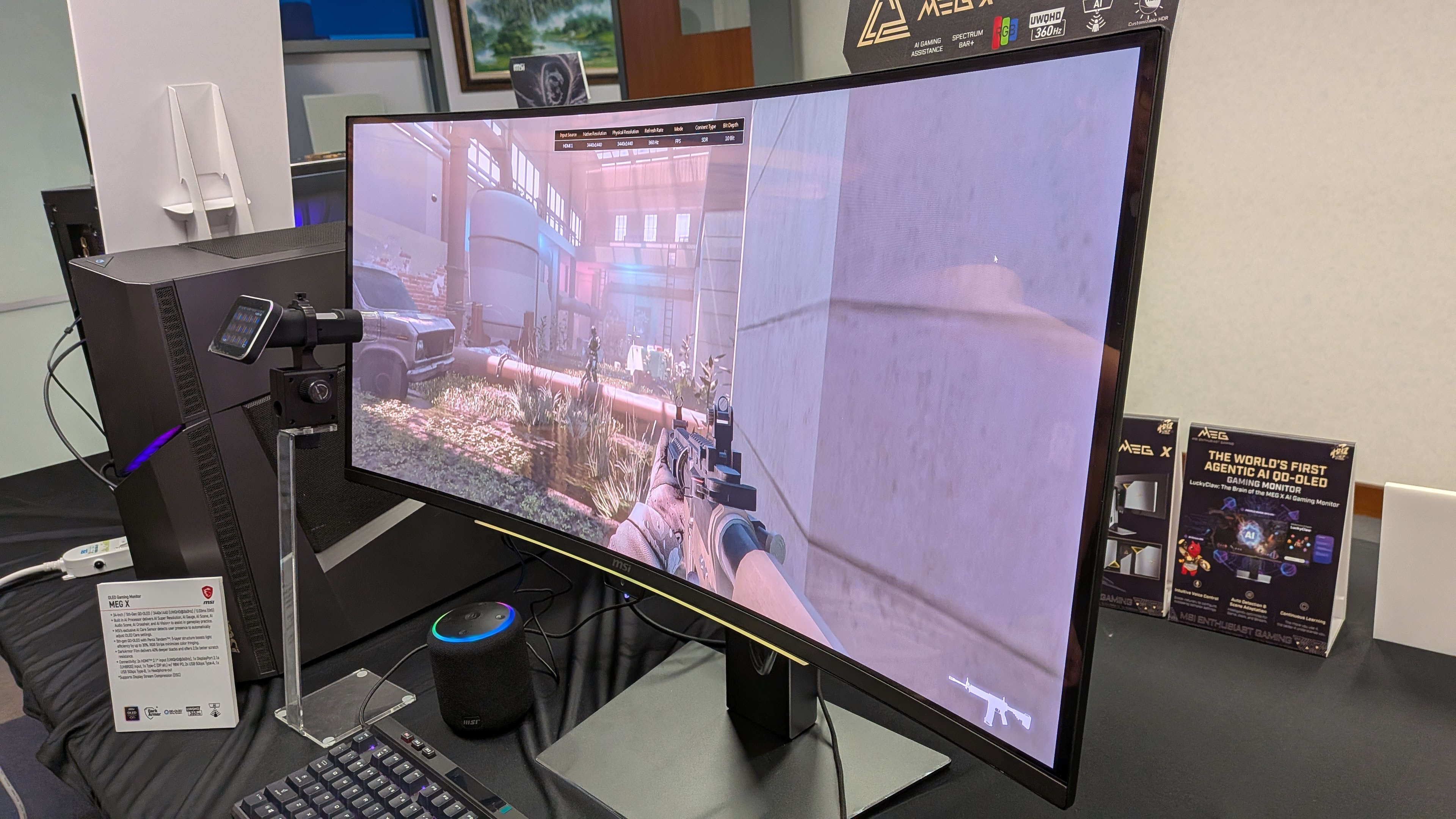
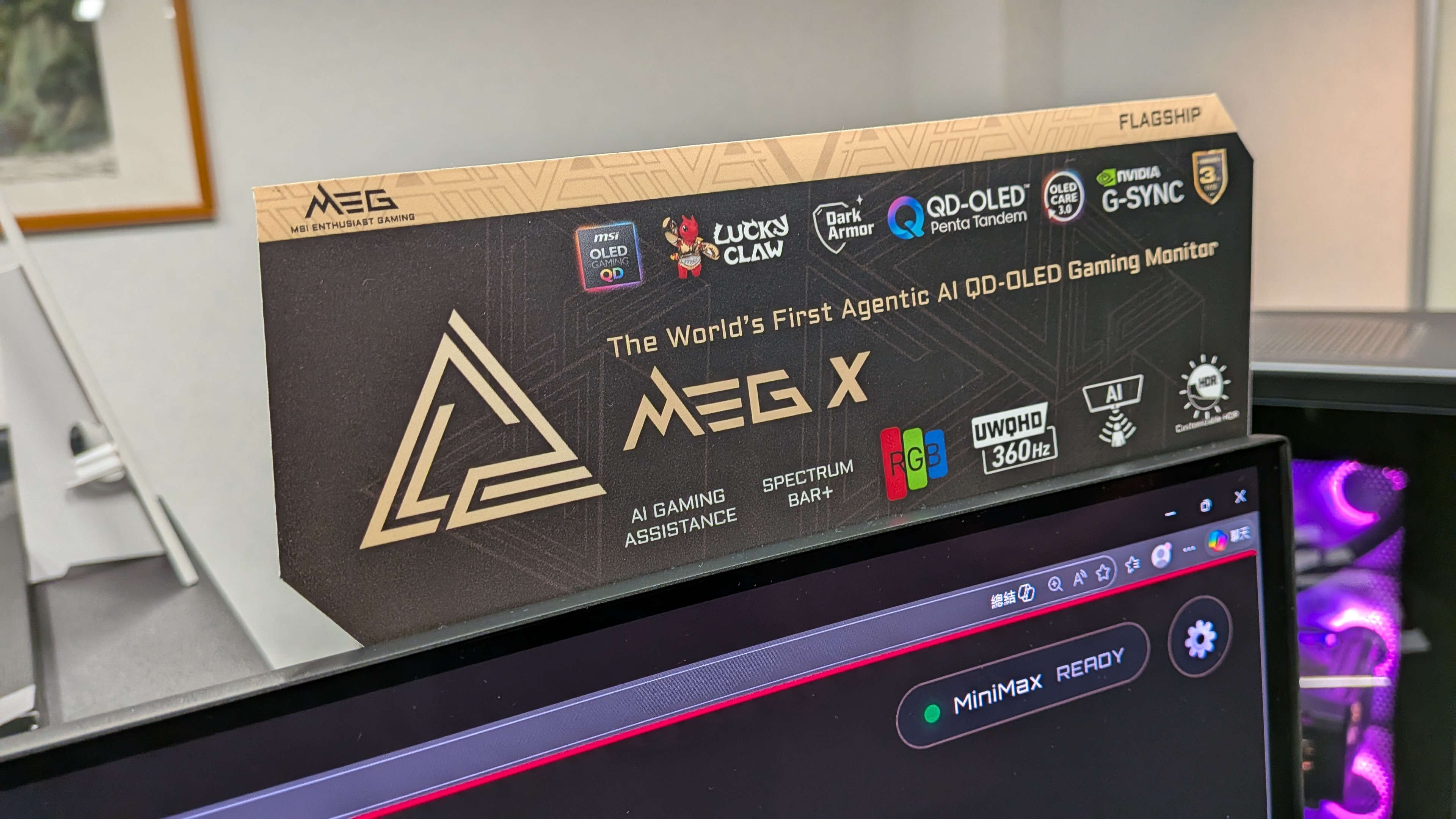
The $1599 MEG X was definitely one that stood out, though not necessarily for all the right reasons. This is the screen billed as that first agentic AI monitor, and it comes with a bunch of new AI-powered features. I would say most of them are of the sort that makes you wonder if someone told the designers they had to find a way to integrate as many features as possible into the screen that they could hang an ‘AI’ badge.
But there is one that anyone who has struggled with monitor on-screen displays (OSDs) will maybe appreciate: The MEG X has a feature which means you can just ask it to change a setting and it will do it for you.
- 34-inch / 5th-Gen QD-OLED / 3440×1440 (UWQHD@360Hz) / 0.03ms (GtG)
- Built in AI Processor delivers AI Super Resolution, AI Gauge, AI Scene, AI Audio Scene, AI Crosshair, and AI Vision+ to assist in gameplay practice.
- MSI’s exclusive AI Care Sensor detects user presence to automatically adjust OLED Care settings.
- 5th-gen QD-OLED with Penta Tandem, 5-layer structure boosts light efficiency by up to 30%. RGB Stripe minimizes color fringing.
- DarkArmor Film delivers 40% deeper blacks and offers 2.5x better scratch resistance.
- Connectivity: 2x HDMI 2.1 input (UWQHD@360Hz), 1x DisplayPort 2.1a (UHBR20) input, 1x Type-C (DP alt.) w/ 98 W PD, 2x USB 5 Gbps Type-A, 1x USB 5 Gbps Type-B, 1x Headphone-out
Now, I’ll grant you that’s not a feature that would have me dropping $1599 on a new ultrawide 1440p OLED monitor, but it is still a feature I wouldn’t mind seeing being used across the board. Mostly because I have a very rational hatred of monitor OSDs and the fiddly controls you’re forced to use to access them.
The advent of the nubbin/joystick control was a game-changer, taking us past the days of trying to figure out what the unlabelled buttons under the bottom bezel actually did, but it doesn’t change the fact that the settings menus for monitors are borderline impenetrable to the average user.
The MEG X and its LuckyClaw feature, however, means you can talk to a cartoon dragon with crab claws—which has the personality of an over-enthusiastic toddler/bro—and simply ask it to alter the brightness or enable the on-screen crosshair feature. I don’t want to actually engage with the wee red guy, but the system seems sound.
It’s all thanks to the micro-controller inside MSI’s modern monitors which allows you to alter the monitor’s settings from within Windows rather than the traditional OSD. It is simply linking up its AI software to that functionality to perform the adjustments on the fly, if you’re in a game, for example.
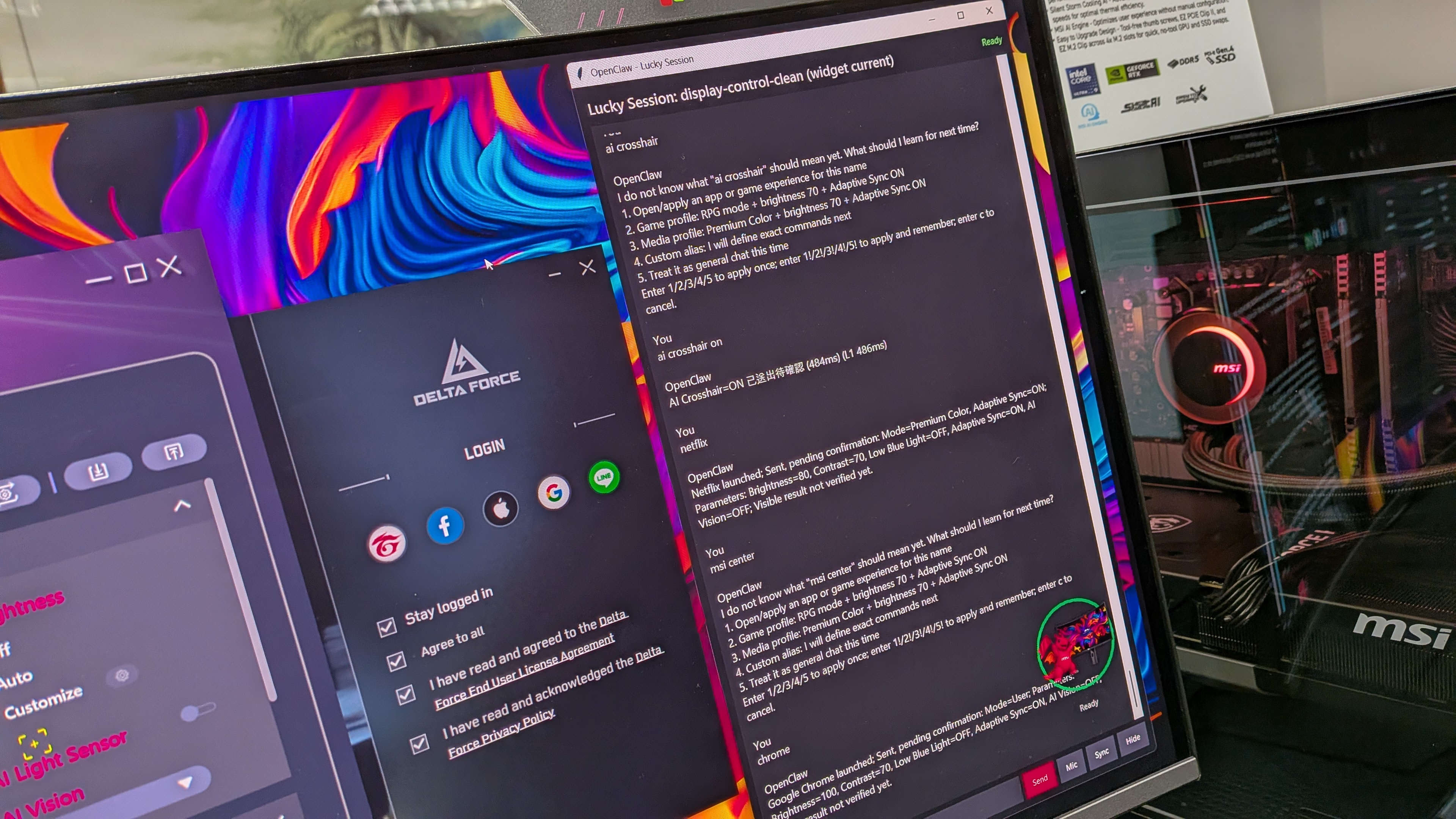
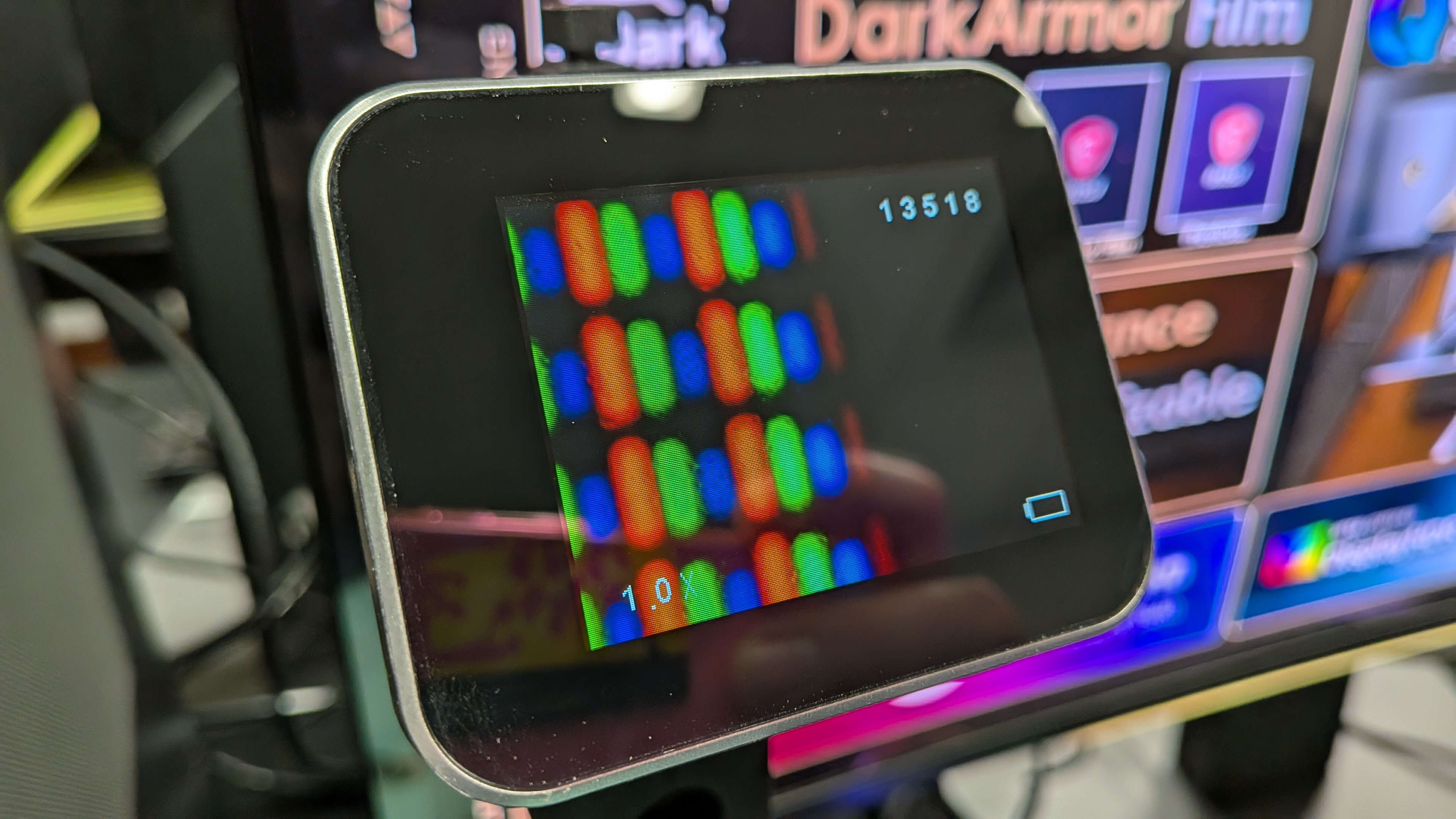
Unfortunately, despite the MEG X reportedly being on sale from August 5 this year, this specific feature was not yet available for demo. But I did see a non-shouty-dragon version, just using an OpenClaw interface running on the already released MSI MPG 341CQR QD-OLED X36. That’s a monitor which uses the same Samsung 5th Gen Penta Tandem panel with the striped RGB pixel layout, and is actually awesome.
There are a bunch of other, far less useful features, such as AI Super Resolution, which by MSI’s own admission doesn’t perform as well as either FSR or DLSS as it’s just running on the monitors scaler, and a specific version of that which just upscales the area where your scope might be in the middle of the screen, and there’s a light bar which can tell you which channel (left or right) music might be coming from, but shouldn’t be used for games as that might be considered cheating.
BUT give me the AI settings feature in a less obnoxious-dragon kinda way, and I could potentially be convinced that an AI monitor isn’t such a bad thing after all.