
If you spend your time editing videos, you may have already invested in a macropad. Or, you’re probably used to the monotony of spamming shortcuts on your keyboard to swap between different tools. This can be a pain on the wrist because of the angle you hover over a keyboard, but there’s now a new way around it—the humble Nintendo Wii Nunchuk.
As spotted by Hackaday, John Dingley, of YouTube account John’s Projects, posted their latest creation last week. In essence, they’ve hooked a Wii Nunchuk up to their PC using the Anavi Handle to use it like a macropad.
The Anavi Handle is an open-source USB adapter for connecting the Nunchuk controller to a computer. The adapter uses the Seeed Studio Xiao RP2040, which, at just a couple of dollars, makes the entire setup surprisingly cheap.
You might be wondering why they used the Nunchuk, and it’s not just to be a little geeky. The Wii Nunchuk is comfortable and light, as it was designed for a family-friendly console. And most importantly, you can hold it upright.
For a video editor who is likely spending hours at their desk at a time, the hope is that it won’t cause pain in their wrist from holding it on the desk all day. John claims it is “super comfortable” and that it is “one of the most ergonomic things ever made”.
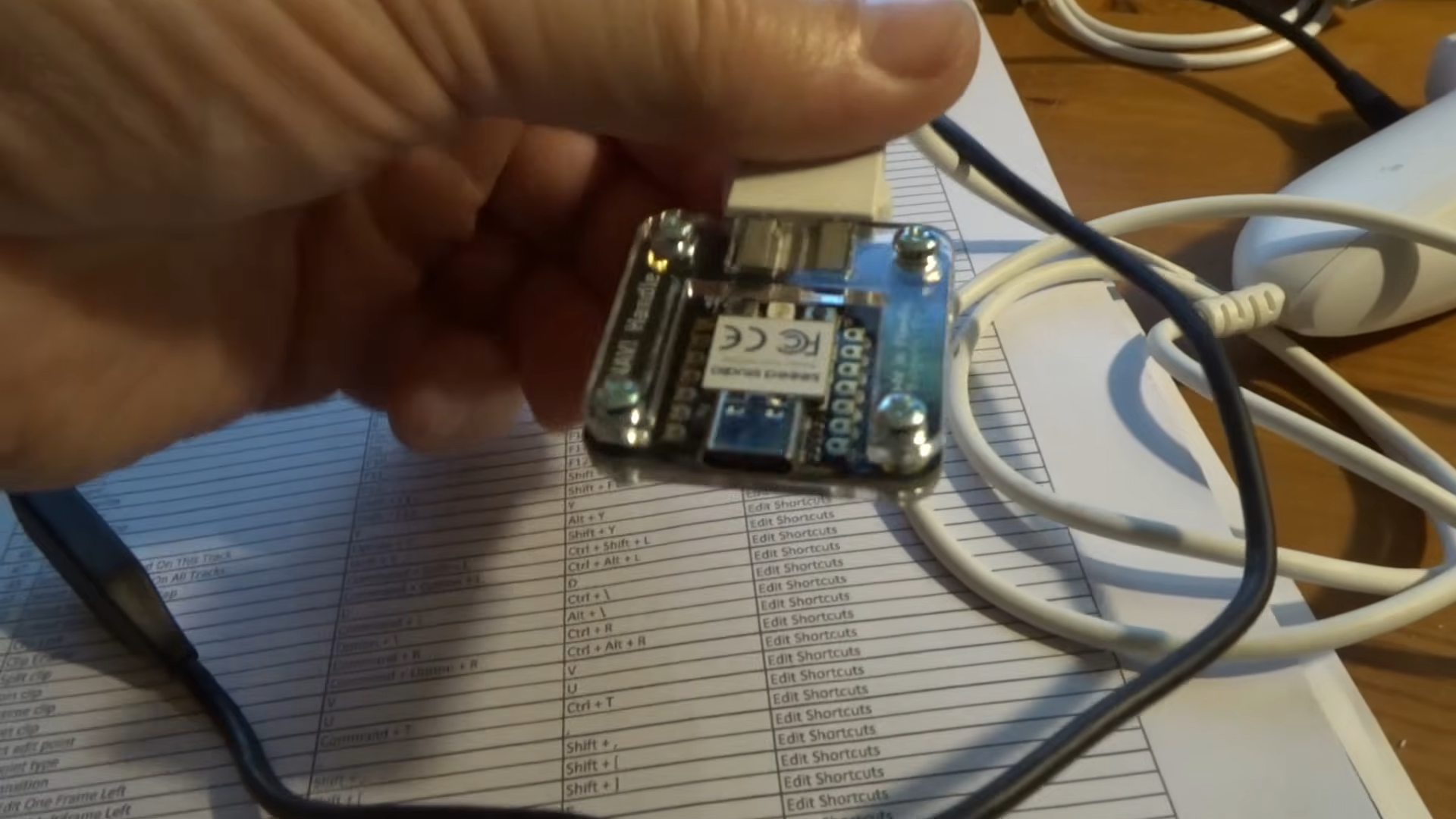
Their current shortcut controls are:
- Lower end pushbutton = Split clip
- Upper end pushbutton = Not assigned yet (i.e. spare)
- Joystick-LEFT = Ripple Delete
- Joystick-RIGHT = UNDO (the previous action)
The Nunchuck plugged into the Anavi Handle won’t work as a macropad immediately. It does require some coding, but Dingley has gone over that process in his video, too.
The use of the Nunchuck specifically came about because Dingley realised they didn’t actually use all the buttons on their standard macropad. They still have a keyboard on hand for typing text, but the Nunchuck means they can put the macropad away.
Admittedly, this use case is a little niche. The reason one might opt for professional equipment like the DaVinci Speed Editor is partly due to the breadth of buttons available. The Nunchuk has a limited number of functions, so it will only really be useful to someone who only finds themselves needing a handful of functions for each edit.
But still, if you just want to cut clips, undo mistakes, and swap between a few tools quickly, it seems like a smart way of doing so, and it looks pretty neat at the same time. I’m sold.