


Gaming on Mac has come a long way. Gone are the days of limited releases, though not absolutely everything is playable on the platform. Thankfully, community developers are only too keen to plug the gaps.
FX Steam Launcher on GitHub brings SteamOS to Apple Silicon Macs. Specifically, this independent, open-source project is based on the ARM64 Steam Frame version of the operating system. Therefore, you’re getting Windows game compatibility on Mac thanks to Proton 11 and FEX, alongside the very swish SteamOS interface (via Videocardz).
Obviously, there are a few things to bear in mind if you want to go all in as a Mac gamer. For one thing, this is not a native installation, and is instead running SteamOS by way of a virtual machine on your Mac. For another, this is a GitHub download to begin with, but once you’ve got it installed, the launcher directly downloads the official SteamOS image from Valve and then even handles OS updates too. Neat!
As this is an unofficial effort, there are a few more caveats still. The FX Steam Launcher itself currently only supports Apple Silicon Macs running either macOS 15 (from September, 2024) or newer. However, to actually get the latest and greatest running, you may need something much more recent than that.
Bear with me here, but Proton and FEX are essentially only the first hurdle. DXVK is required to run DirectX 9, 10, and 11 games, while DirectX 12 releases rely on VKD3D-Proton. Then either MoltenVK or KosmicKrisp is the next hurdle graphics instructions will need to pass before finally handing off the baton to Apple’s Metal API (though there’s some experimental support for DXMT, which allows DirectX 10 and 11 games to run without VKD3D-Proton).
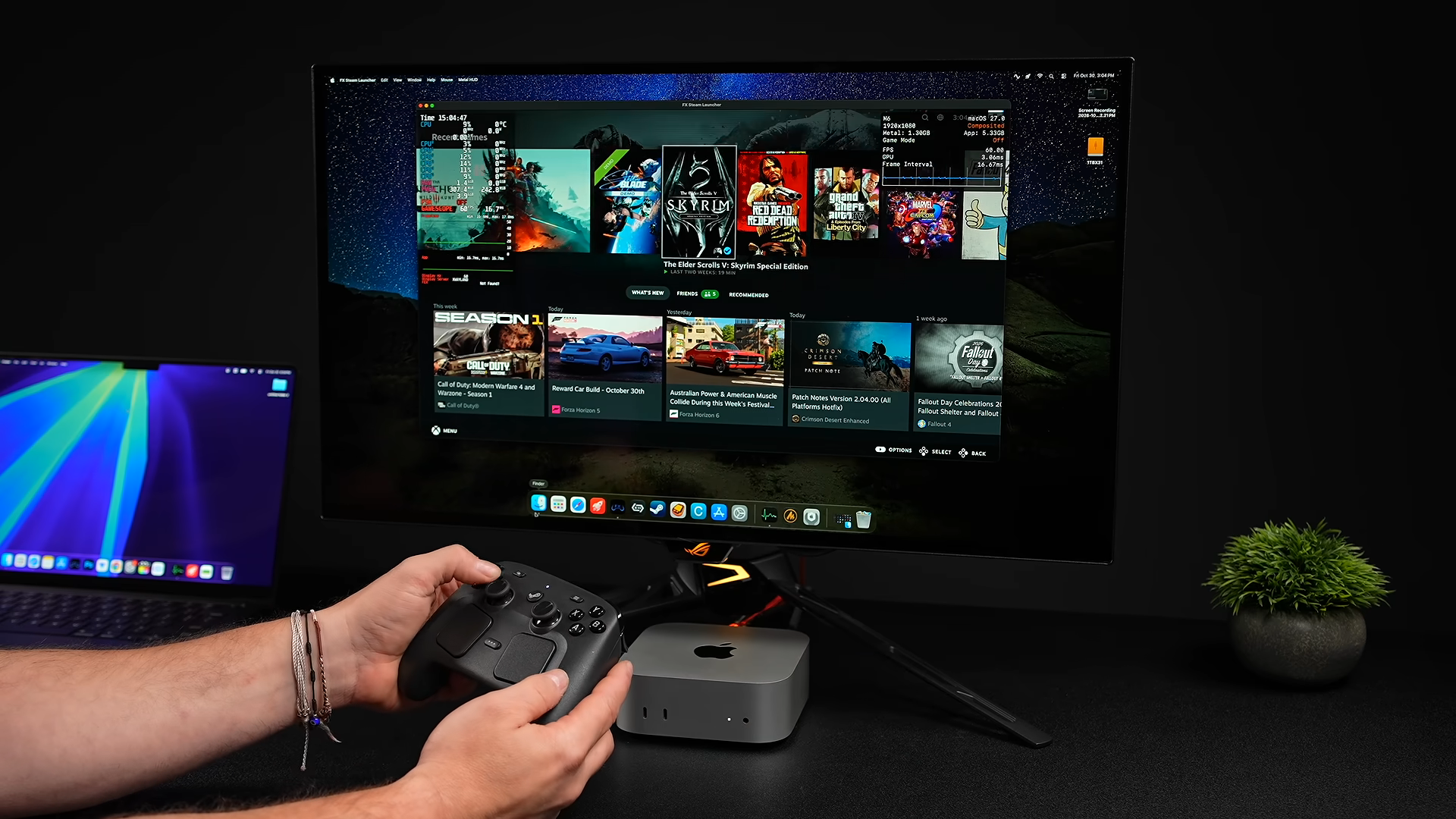
Anyway, all of that is to say KosmicKrisp, a pretty pivotal translation layer in this whole process, requires at least macOS 26 or later to run. That’s a fair amount of hoops to jump through, though; if you can get it running, the launcher does allow you to run SteamOS either windowed or fullscreen, while letting you still access macOS either way.
On account of not being a Mac power user, I’ve not had a chance to test it out myself, but YouTube creator ETA Prime tested the launcher with The Witcher 3, Stellar Blade, and Left 4 Dead 2 on their Apple M4 Max. At high settings, the creator saw performance to the tune of over 70 FPS for each of these games, with Left 4 Dead 2 breezing past 200.
That said, Stellar Blade was running at a mere 800p resolution, while the rest of their tests ran at a maximum of 1080p. Furthermore, not all the games they tested even ran as well as these cherry-picked examples (to say nothing of The Witcher 3’s funky-looking trees).
Still, what’s possible with this launcher remains impressive, though gaming on Mac even without it is far more viable than it once was. For Apple’s big 50th birthday earlier this year, our Jacob explored the things Mac does better than PC. Our Ian was also mighty impressed with the Apple Mac Studio M4 Max—though he does also note, “Christ, what are you doing? Buy something else for gaming”.
On that front, any would-be Mac gamer could do much worse than the MacBook Neo, which is now going for $699/£699. Not even Apple is safe from the memory supply crisis, but as the situation continues to drive up the cost of traditional gaming PC parts, who could blame a gamer on a budget still picking up the MacBook Neo instead? Especially with unofficial projects like FX Steam Launcher at their fingertips.